User Onboarding Best Practices for Apps: Simple Steps to Keep Users Happy and Coming Back
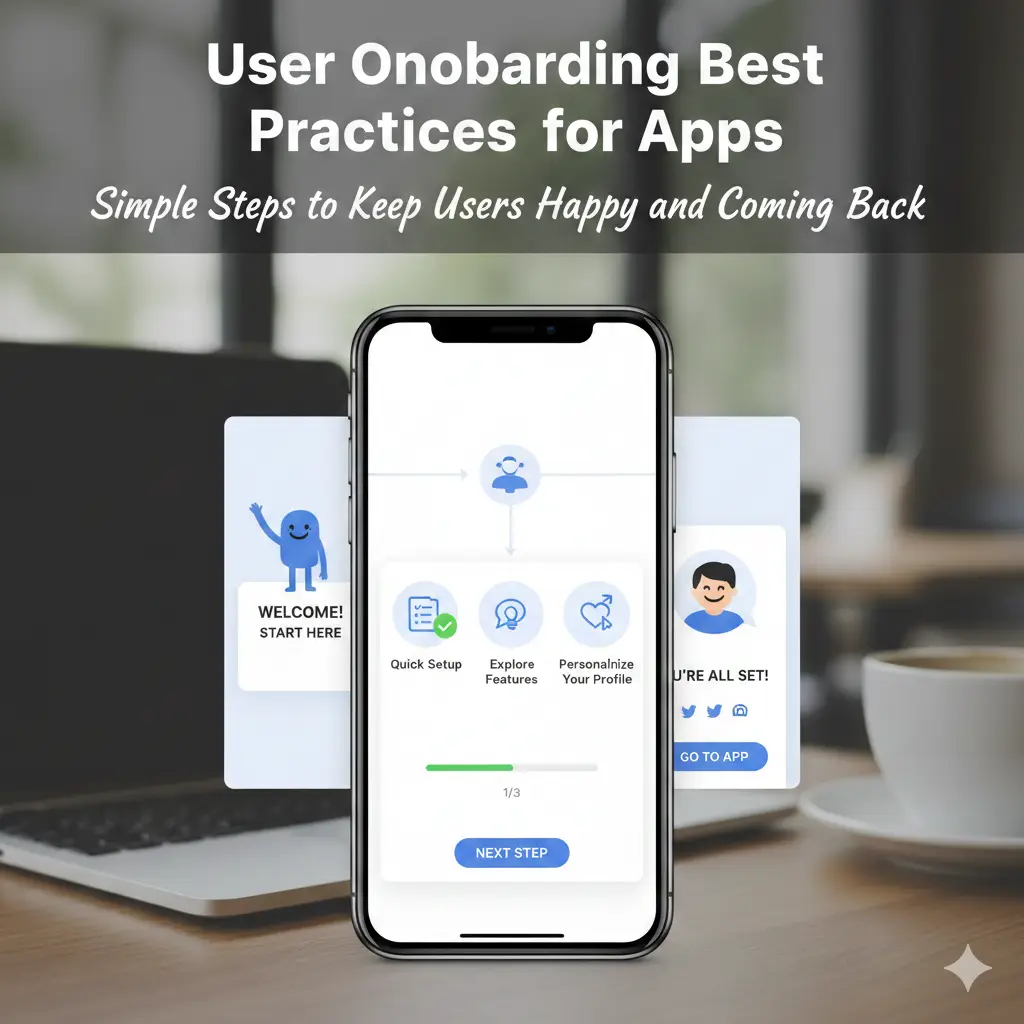
Good user onboarding best practices for apps show new users the real value of your app right away. They guide people in simple steps. This turns new downloads into regular users who love the app. Sadly, many apps see big problems here. About 25% of users stop using an app after just one try. Another stat shows apps lose around 77% of daily users in the first three days. Strong onboarding changes that. It lowers the number of people who leave and helps build good habits.
Product managers track how well users start and stay. UX designers make the screens look nice and easy to use. Mobile developers build smooth flows that work on phones. All these roles use user onboarding best practices for apps to boost key numbers like activation and retention. In this long guide, you will find clear tips, real examples, stats, and steps to follow. These ideas come from top sources and successful apps. They help teams like yours create flows that feel welcoming and helpful.
What Is User Onboarding and Why It Matters So Much
User onboarding is the way you welcome new people to your app. It starts when they open it for the first time. It includes welcome screens, sign-up steps, quick tours, and tips to get started. The goal is to help users reach their “aha” moment fast. That is the point when they see how the app solves their problem.
Why care so much? Bad onboarding leads to high churn. Stats from 2025 show that poor onboarding is the third biggest reason customers leave, right after the product is not fitting or low engagement. On the good side, personalized onboarding can boost retention by 40%. Interactive tours raise activation by 50%. Another study says effective onboarding improves retention by 50% overall.
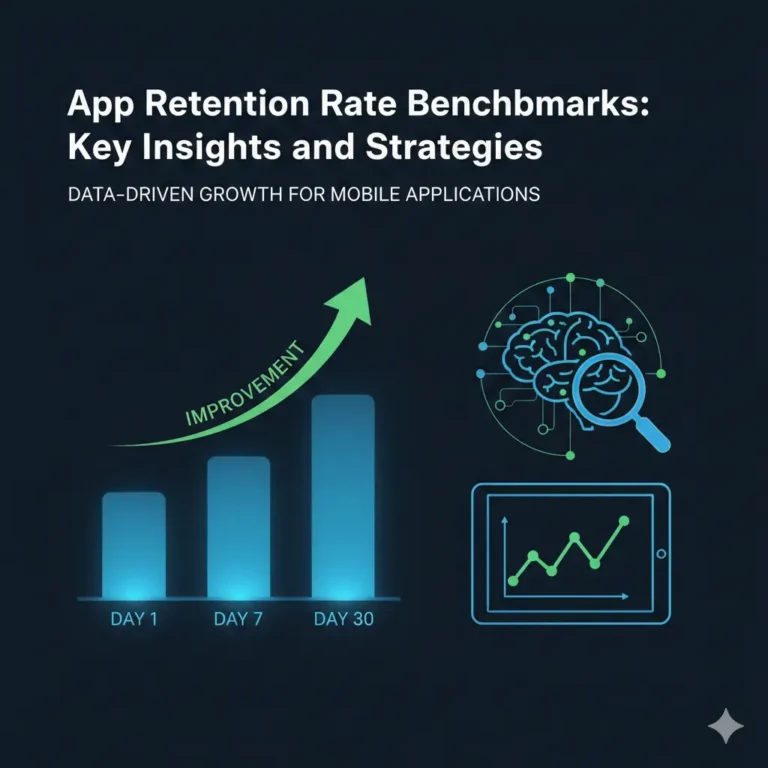
For mobile apps, numbers are tough. Day 1 retention averages around 30% for good apps. Day 7 is about 15%, and Day 30 sits at 7-10%. If your app beats these, you are doing great. Many apps see over 96% churn by Day 30 on iOS and higher on Android. Good flows fix this by showing value quickly.
Teams benefit too. Product managers see better metrics. UX designers create joyful experiences. Developers add features that work well. Even startup founders and data analysts use these practices to grow fast and spot issues early.
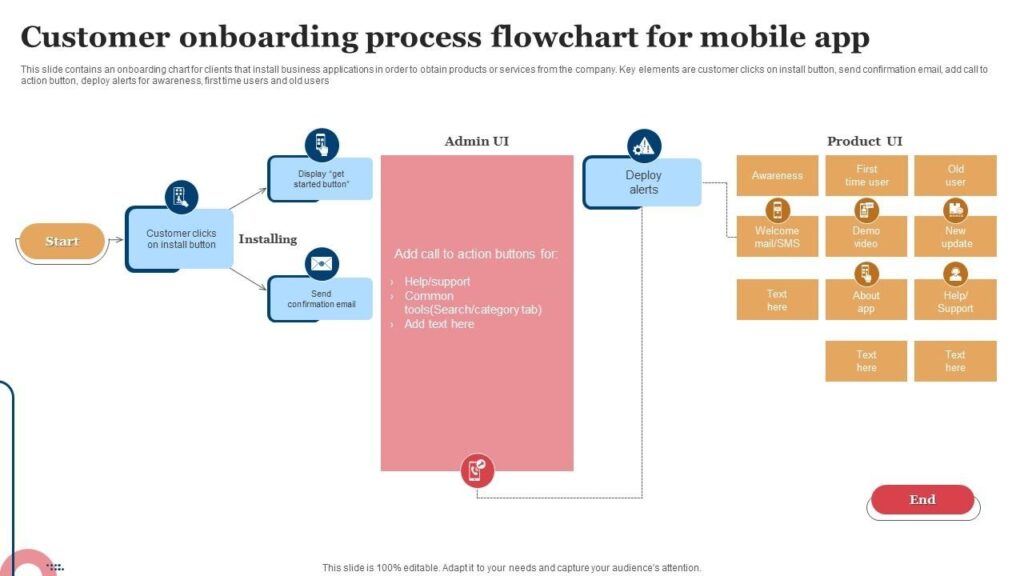
These diagrams show simple onboarding flows. They help plan steps that guide users without confusion.
Core User Onboarding Best Practices for Apps
Here are proven ways to build great onboarding. Follow them step by step for better results.
Keep Signup Easy and Fast
Make the start simple. Ask for little info at first. Use social logins like Google or Apple for one-tap sign up.
- Let users try the app as guests.
- Delay full signup until they need it.
- Skip extra fields that are not needed now.
Apps like TikTok let you watch videos without an account. This cuts early quits. DoorDash allows orders as a guest. These tricks lower friction.
One study found removing just one form field boosted revenue by millions. Keep forms short—four fields work best.
Make It Personal for Each User
Ask quick questions early. What is their goal? What role do they have?
Use answers to show the right tips and features.
HubSpot asks about team size and role. It builds a custom dashboard. Bumble uses tappable choices for profiles.
Personal flows make users feel understood. They reach value faster.
Best app onboarding practices include segmentation. It helps different groups like new or expert users.
Show One Thing at a Time
Do not show everything at once. Guide one key task first.
Use checklists or steps with progress bars.
Duolingo starts with one lesson. Users feel success quick.
This is progressive disclosure. It stops overwhelm.

Look at these Duolingo screens. They guide gently with fun elements.
Talk About Benefits, Not Just Features
Explain how the app helps. Say “Learn a language in minutes a day” not “We have lessons.”Use pictures and short words.Calm shows quick calm moments. Headspace tells stories about better sleep.Best app onboarding examples focus on outcomes users want.
Make It Interactive
Let users try things themselves. Build tours where they click and do.Tooltips come when needed. Make them easy to close.Grammarly lets you fix text in a sample. This builds skills fast.Interactive ways raise activation a lot.
Add Fun with Gamification
Use points, badges, and streaks to motivate.Reward small steps.Duolingo gives XP and leaderboards. Impulse tracks habits with rewards.This turns learning the app into play. Users stay longer.
Give Help When Needed
Show tips based on what users do. Not big tutorials.Contextual help feels natural.Adobe apps pop tips on tools. Strava asks for location when starting a run.This is just-in-time guidance.
Let Users Skip Parts
Add skip buttons everywhere. Respect if they know some things.ClickUp lets you dismiss tours.Wise skips steps not needed.This stops frustration for advanced users.
Collect Feedback Soon
Ask simple questions during the flow. How easy was that?Use short surveys.Revolut asks after key steps.
Feedback helps fix problems fast.
Keep Onboarding Going
Do not stop after day one. Show new features later.Use in-app messages gently.Cuvama adds tips for updates.LINE uses slideouts.This is ongoing support. It unlocks more value over time.For mobile, make flows short. Use big buttons for thumbs. Ask permissions at the right moment.
App onboarding best practices 2022 and older still work, but add more personal AI now.
Search for user onboarding best practices for apps pdf to find free guides. Or use an app onboarding template to start quick.
App onboarding best practices 2021 focused on basics. Today, add gamification and data.
Look for best onboarding app experiences in 2025 trends.
Users onboarding best practices for apps mean tailoring to groups.
Users onboarding best * practices for apps highlight data use.
Real Mobile App Onboarding Examples That Work Great
See how top apps do it. These mobile app onboarding examples inspire.
- Duolingo: Asks goals fast. Uses fun gamification. Streaks and points keep users. Retention jumps high.
- Slack: Simple email sign up. Guides to first message. Shows team chat value quick.
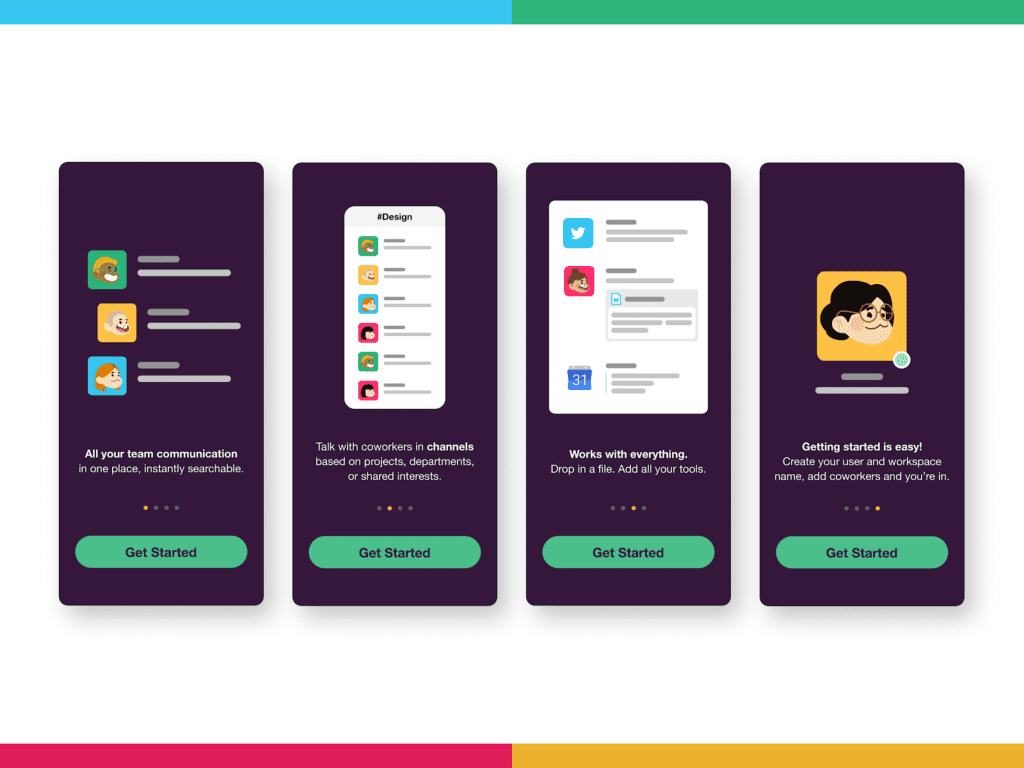
lean, fast starts.
- Instagram: Quick social login. Fills info auto. Jumps to feed.
- MyFitnessPal: Sets goals step by step. Shows functions clearly.
- Headspace: Asks needs. Builds personal meditations with stories.
- Strava: Picks sports type. Asks permissions when useful.
- DoorDash: Guest mode first. Delays full signup.
- Bumble: Fun questions for profile.
- Calm: Guides to first session right away.
- Canva: Easy start with templates.
- Figma: Clean Google login.
These user onboarding examples mix personal, quick, and fun.
Best app onboarding experiences like these boost Day 1 retention big.
How to Measure and Make Your Onboarding Better
Track these numbers:
- Activation rate: Users who reach core value.
- Drop-off spots: Where people leave.
- Time to value: How long to “aha”.
- Retention: Day 1, 7, 30.
Use tools to see funnels and heatmaps.
A/B test changes. One app raised activation 47% with guides.
Data teams spot issues. Growth teams push improvements.
Customer success uses insights for support.
Mistakes to Stay Away From
Avoid these common problems:
- Long screens with too much text.
- Force signup too early.
- No way to see progress.
- Same flow for everyone.
- Too much on mobile screens.
- Old tours that annoy.
Good user onboarding and offboarding also makes leaving easy if needed.
Tools and Links to Help
Many no-code tools build flows.
Check SaaS pricing models for options.
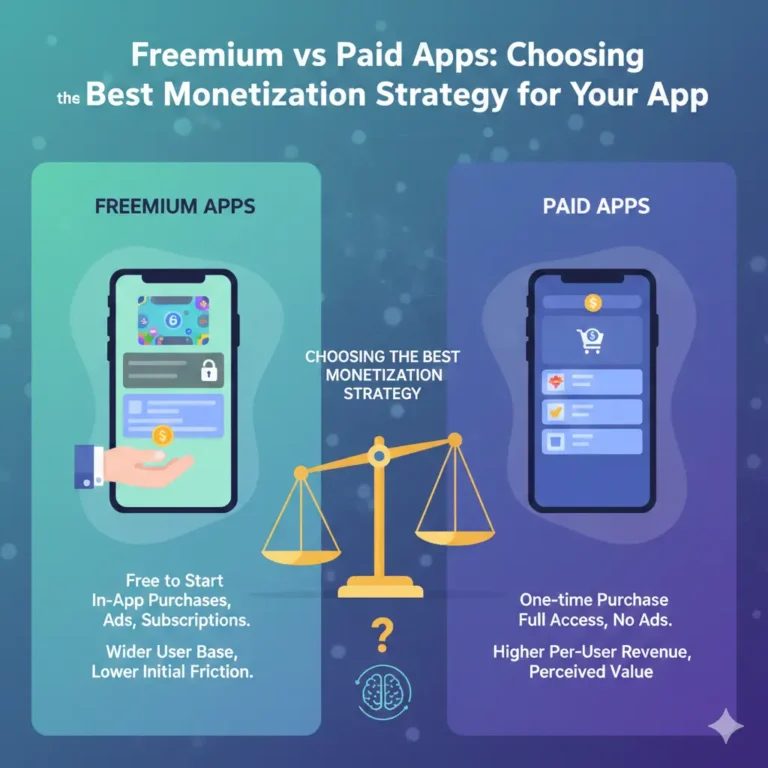
Compare freemium vs paid apps.
Trust matters—see privacy-focused messaging apps.
FAQs About User Onboarding Best Practices for Apps
What exactly are user onboarding best practices for apps?
User onboarding best practices for apps are simple ways to welcome new users and help them see the app’s value fast. They include easy sign-ups, personal guides, and quick tips. The goal is to make users feel happy and keep them coming back.
Why is the user onboarding process so important for retention?
A good user onboarding process can cut churn by up to 50%. When users reach their “aha” moment quick, they stay longer. Bad onboarding causes 25% of users to quit after one use and up to 77% in three days.
How do mobile app onboarding examples differ from web?
Mobile app onboarding examples must be short and thumb-friendly. Use big buttons, less text, and time permissions right. Apps like Strava ask for location only when needed.
What is an app onboarding template I can use?
An app onboarding template is a ready plan. Start with welcome, quick questions, one key task, and progress bar.
Where can I find a user onboarding best practices for apps pdf?
Search online for “user onboarding best practices for apps pdf” on sites like Userpilot or Sendbird. They often have free downloads with checklists1.
How do I apply users onboarding best practices for apps to my team?
Users onboarding best practices for apps work best with teamwork. Product managers set goals, designers make screens, developers build flows.
Conclusion
In conclusion, user onboarding best practices for apps set the base for long success. Use easy signups, personal touches, interactive steps, and ongoing help2. These ways help product managers, UX designers, developers, founders, and analysts lower churn big. Users find value fast and build habits. Start with one change, track results, and keep improving. What part of your app’s onboarding will you fix first?