Microsoft Excel Hidden Game: How to Play the 95, 97 & 2000 Classics in 2026
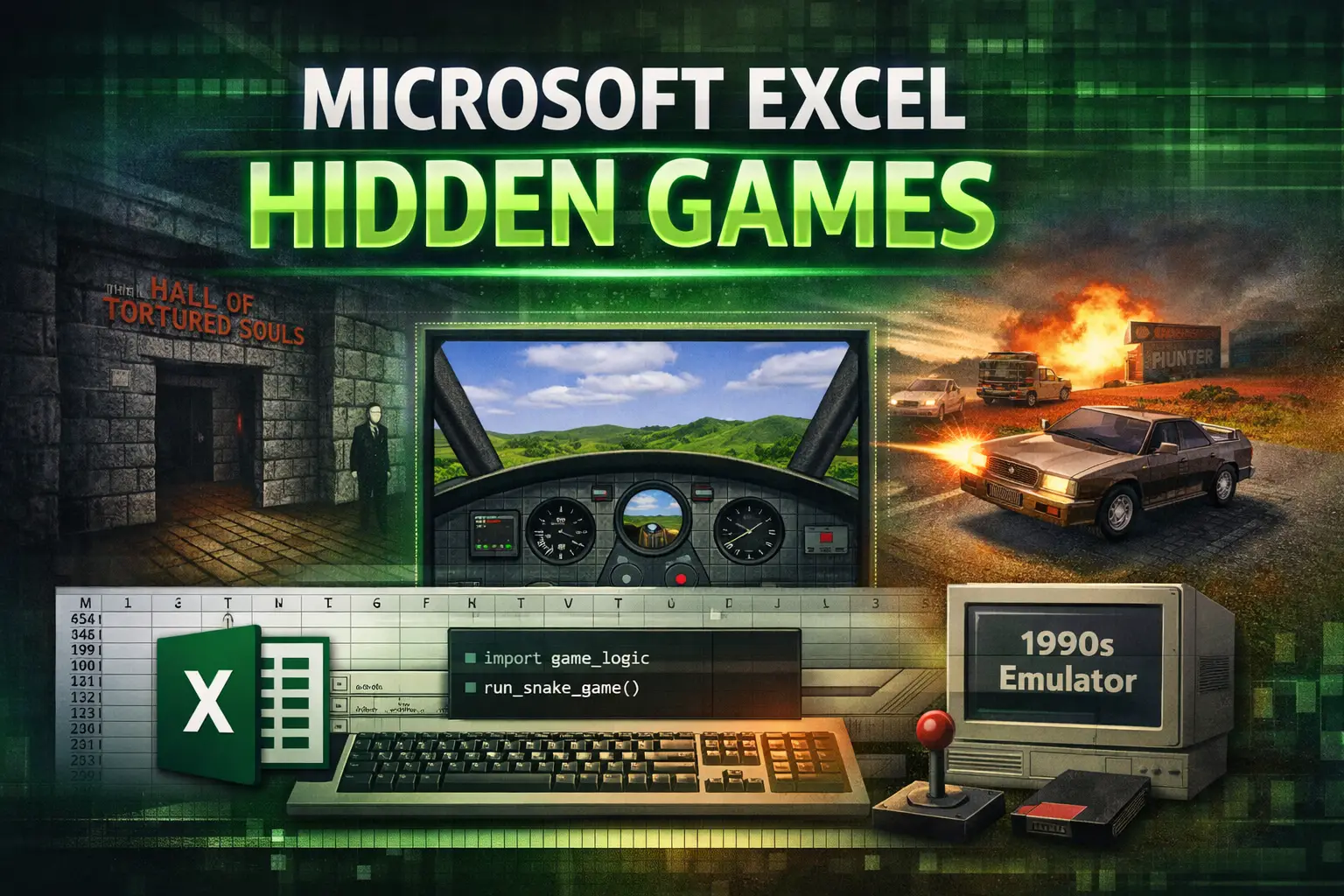
If you’re searching for the excel hidden game or microsoft excel hidden game, here’s the direct answer:
- Does Microsoft 365 (2026) contain a built-in hidden game?
No. There is no native, embedded Easter egg in modern Excel. - Can you still experience hidden-style games inside Excel today?
Yes. Through legacy versions, browser emulators, virtual machines, and modern tools like Python in Excel, the spirit of those games absolutely lives on.
Why Microsoft Stopped Adding Hidden Games
In 2002, Microsoft introduced a company-wide initiative focused on security and code integrity, often traced back to the Trustworthy Computing memo issued by Bill Gates. One major result: hidden Easter eggs in Office products were permanently removed.
From that point forward, undocumented code was considered a liability. Security and transparency replaced playful developer signatures.
The Modern Twist
Ironically, Excel today is more powerful than ever. With features like Python integration, advanced formulas, and VBA, users can build their own interactive games inside a workbook. The hidden game hasn’t disappeared. It evolved.
The Historical “Big Three” Excel Hidden Games
Before security reforms, Excel shipped with real, playable Easter eggs. These were not simple messages. They were full interactive environments.
1. Excel 95: The Hall of Tortured Souls
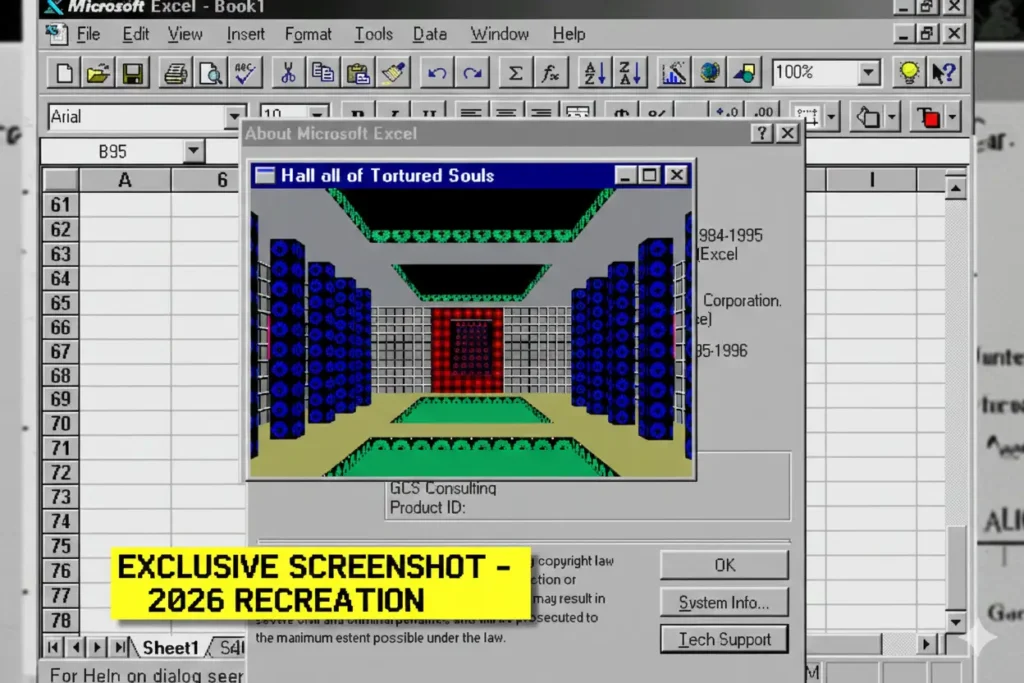
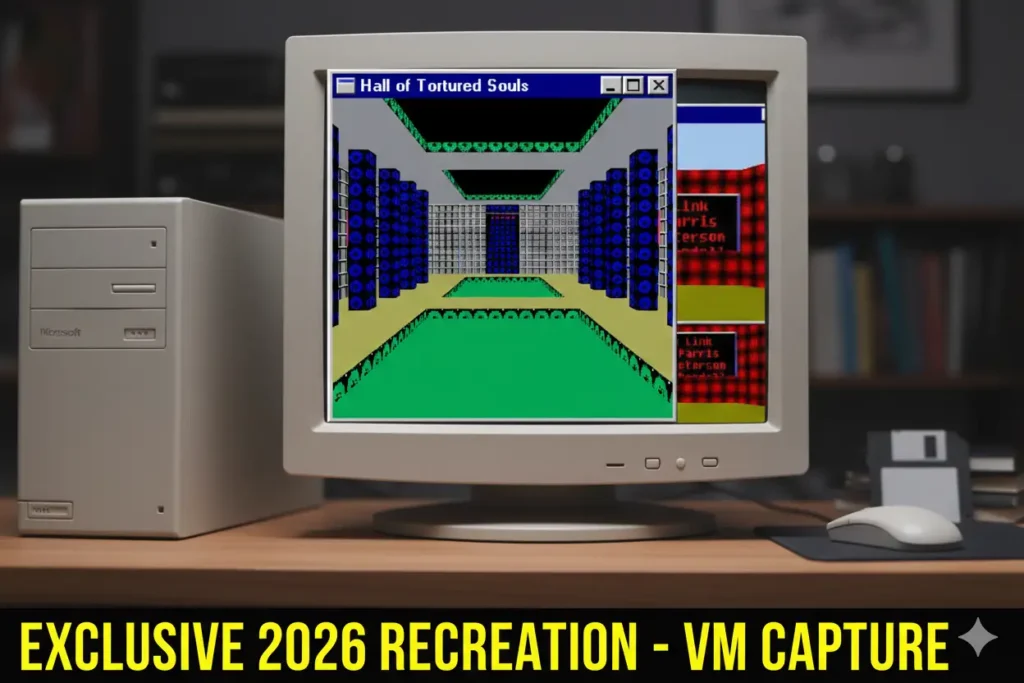
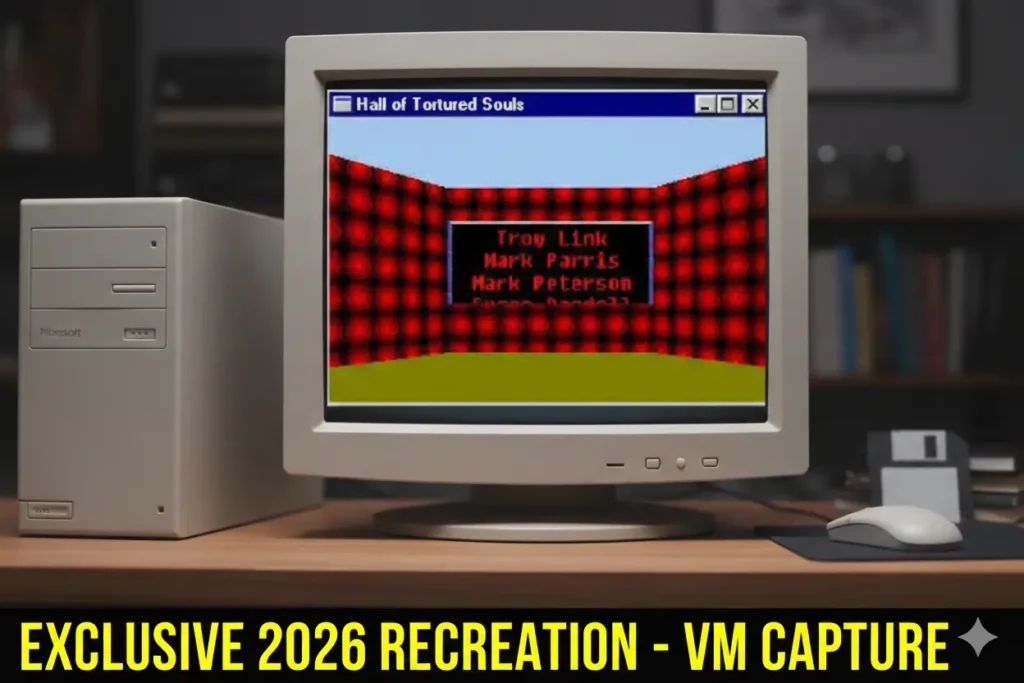
One of the earliest known Excel hidden games appeared in Excel 95.
How it worked:
- Create a new workbook
- Navigate to row 95
- Select the entire row
- Trigger a specific key sequence (version dependent)
This launched a simple 3D environment called the Hall of Tortured Souls, where users could walk around and see developer credits embedded into textured walls.
It was primitive, but ambitious for spreadsheet software in the mid-90s.
2. Excel 97: The Flight Simulator
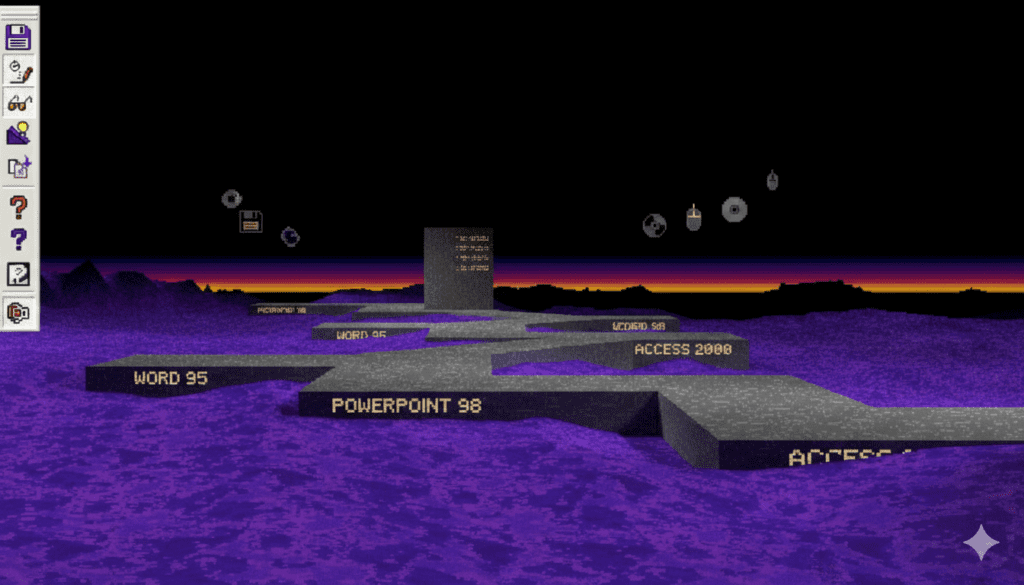
This is the most famous microsoft excel hidden game.
Inside Microsoft Excel 97, developers hid a basic 3D flight simulator.
How it was triggered:
- Open a blank workbook
- Navigate to cell L97
- Perform a precise sequence involving Shift + menu interaction
- Switch to full-screen mode
If executed correctly, the spreadsheet transformed into a skybox flight environment.
You could fly around, explore terrain, and see scrolling credits.
For late-90s office software, this was unexpected and surprisingly advanced.
3. Excel 2000: Dev Hunter (Car Combat Game)
In Microsoft Excel 2000, the final major Easter egg appeared.
Nicknamed Dev Hunter, it was a car combat-style mini game.
How it was accessed:
- Create a spreadsheet
- Use the “Save as Web Page” option
- Open the exported file in a browser
- Trigger the hidden object through a specific interaction sequence
This was the last true executable Easter egg embedded directly in Excel’s native code.
After this version, they were gone.
Related: Best Gaming Monitors For PS5: Top Picks for Smooth Console Play in 2026
How to Play Excel Hidden Games in 2026
Modern systems can’t run 90s Excel software natively without issues. Here are safe, practical ways to experience them today.
Method A: Browser-Based Emulators
PCjs and Internet Archive provide browser-based emulation of legacy Windows environments.
Why this works:
- No installation required
- Runs inside your browser
- Emulates older Windows versions compatible with Excel 95 and 97
This is the easiest and safest approach for casual exploration.
Method B: Virtual Machines (Advanced Users)
Using Oracle VM VirtualBox, you can:
- Install Windows 95 or 98 in a virtual environment
- Install a legacy version of Excel
- Throttle CPU speed to prevent crashes
- Isolate the system from your main OS
Because 30-year-old software was not built for modern processors, limiting allocated RAM and CPU cores prevents instability.
This method gives the most authentic experience.
Method C: The Modern “Hidden Game” – Python in Excel
Microsoft Excel now supports Python integration via the =PY() function in Microsoft 365.
Instead of hunting hidden code, you can build:
- Snake clones
- 2048 puzzles
- Turn-based RPG mechanics
- Animated simulations
All inside a workbook.
This is not an Easter egg. It’s user-built logic. But creatively, it carries the same spirit.
Safety & Trust: Avoiding “Excel Game” Malware
When searching for excel hidden game downloads, caution is critical.
Red Flags
Avoid:
- Standalone
.exedownloads from unknown “retro software” sites - Modified installers claiming “secret unlocked versions”
- Files that request disabled antivirus protection
Hidden games were embedded in official builds. They were never distributed as separate executables.
Macro Safety for Community Games
Many modern spreadsheet games use .xlsm macro-enabled files.
Best practices:
- Open files in Protected View
- Inspect VBA code before enabling macros
- Never enable macros from unknown sources
- Prefer GitHub-hosted open-source projects
Excel is powerful. That power requires discretion.
The Community Renaissance: Modern Spreadsheet Games
While native Easter eggs ended, creativity didn’t.
Excel 2048
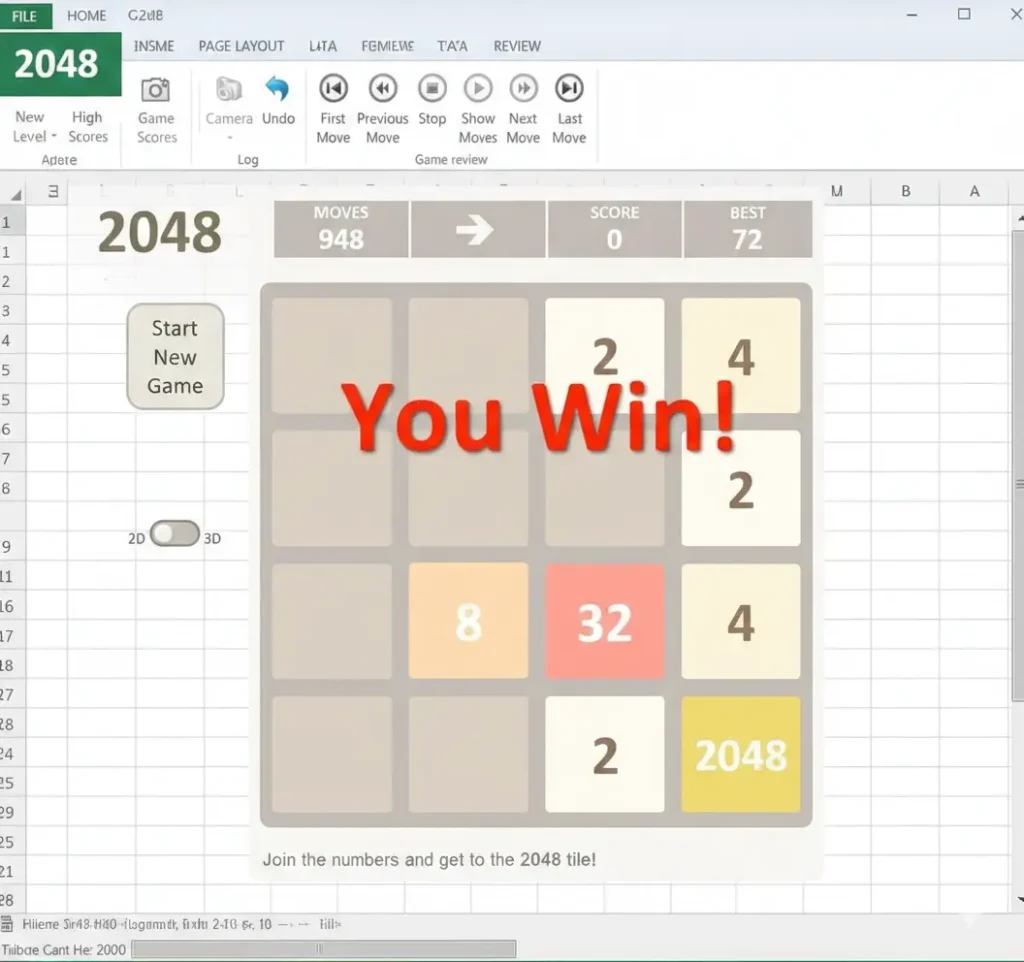
Developers recreated the viral puzzle game 2048 entirely using:
- Conditional formatting
- Dynamic formulas
- Keyboard input through VBA
It proved Excel can function as a logic engine, not just a calculator.
VBA RPGs (Example: Arena.xlsm)
Community-built RPGs demonstrate:
- Tile-based movement
- Combat systems
- Inventory mechanics
- Save states
These projects showcase engineering creativity rather than hidden developer jokes.
Comparison: Legacy vs Modern Excel Games
| Feature | 90s Native Games | Modern Community Games |
|---|---|---|
| Built into Excel | Yes | No |
| Security compliant | No (hidden code) | Yes (user-created) |
| Customizable | No | Fully |
| Requires legacy OS | Yes | No |
| Educational value | Low | High |
Modern spreadsheet games are more transparent and more technically impressive.
Frequently Asked Questions
Does Microsoft Excel still have a hidden game in 2026?
No. Modern versions of Microsoft Excel, including Microsoft 365, do not contain built-in hidden games. Native Easter eggs were discontinued after Excel 2000 due to security and transparency policies.
However, users can still experience legacy hidden games through emulators or recreate similar experiences using tools like Python in Excel.
How do you access the Excel 97 Flight Simulator?
In Microsoft Excel 97, users had to:
- Open a blank worksheet
- Navigate to cell L97
- Perform a specific Shift-click sequence
- Switch to full-screen mode
If executed correctly, this launched a 3D flight simulator environment embedded inside the software.
This feature does not exist in modern Excel versions.
What was the hidden game in Excel 2000?
Microsoft Excel 2000 included a hidden car combat-style game known informally as Dev Hunter.
It was accessed through a “Save as Web Page” workaround that activated embedded developer content. It was the last major executable Easter egg in Excel.
Why did Microsoft remove hidden games from Excel?
Microsoft removed hidden Easter eggs after its early 2000s security reform initiative.
Undocumented code was considered a potential security risk. From that point forward, all Office products followed strict transparency guidelines. No hidden executable features were allowed in production software.
Can I safely download Excel hidden game files?
Be cautious.
Original hidden games were embedded inside official Excel versions. They were never distributed as standalone .exe files.
Avoid:
- Third-party “nostalgia” download sites
- Modified installers
- Files that require disabling antivirus
Safer alternatives include:
- Browser-based emulators
- Virtual machines running original licensed software
- Open-source spreadsheet games with visible VBA code
What is the modern equivalent of an Excel hidden game?
Today’s equivalent is community-built spreadsheet games.
Examples include:
- 2048 recreated using formulas and conditional formatting
- VBA-based RPGs
- Python-powered logic games inside Microsoft 365
Instead of being hidden by developers, these are engineered by users using Excel’s built-in tools.
Can you build your own game in Excel?
Yes.
With:
- VBA (Visual Basic for Applications)
- Advanced formulas
- Conditional formatting
- Or Python in Excel (
=PY()function)
You can build interactive games directly inside a workbook. Modern Excel is more capable than ever, even without official Easter eggs.
Final Verdict: Why the Excel Hidden Game Culture Still Matters
The original microsoft excel hidden game era ended for good reasons. Security and transparency matter.
But something important remains.
Excel is flexible enough to invite experimentation. The shift moved from hidden developer code to visible creative engineering.
Today, instead of discovering secrets, users build them.
And that may be even more powerful.
If you’re nostalgic, emulate the classics safely.
If you’re curious, build your own.
Either way, the spirit of the Excel hidden game is very much alive.